
To do, please follow the steps below:
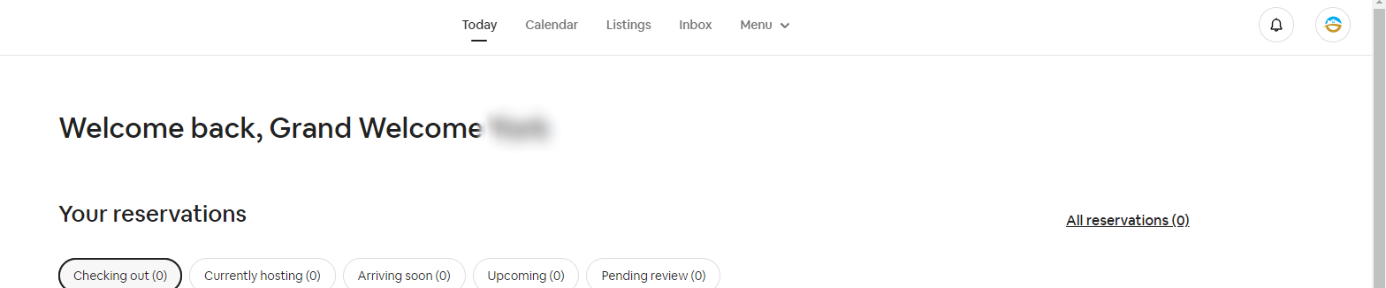
After logging in with the main account login and selecting "switch to hosting", then select "Listings" from the menu
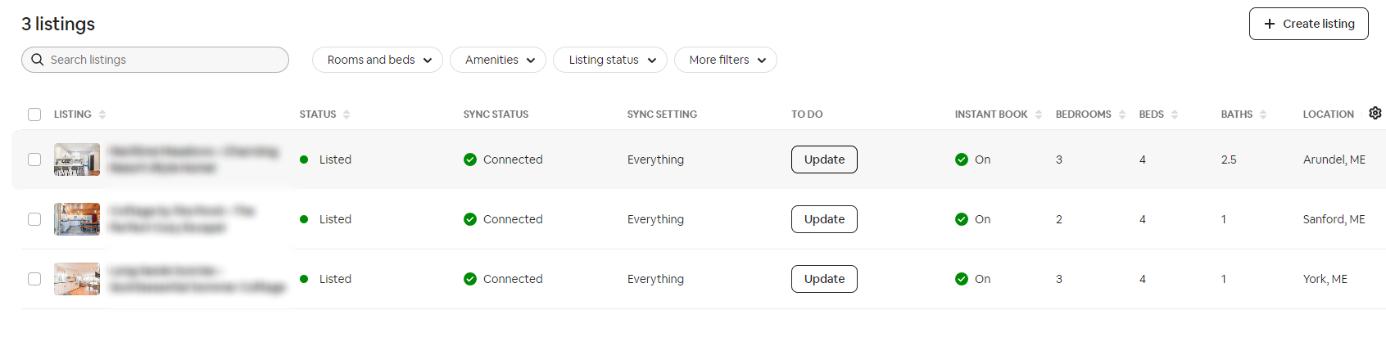
From Listings, select "Update" on the property you wish to edit
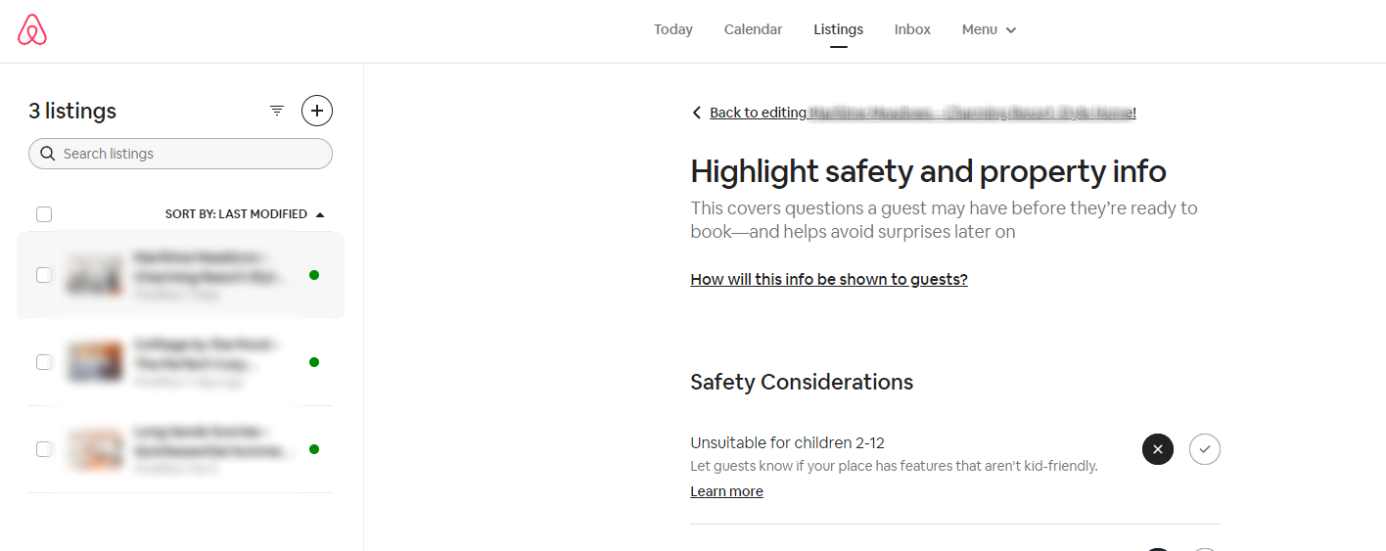
A highlight of options may open, if so select "Back to editing .... "
You will then select the "Co-Hosts" menu option. Here you will be able to see currently added hosts or be able to select to add a new host.

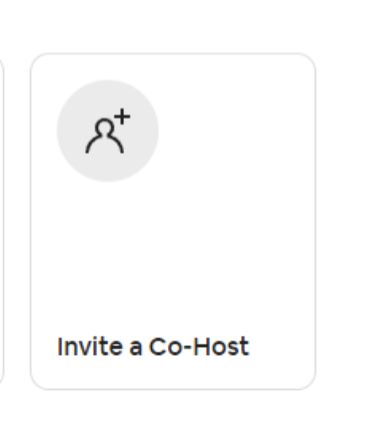
Please note that it is not recommended to have an excess of co-hosts. It is preferred that the main account be utilized for all needs. Please also be conscious of edits made within the accounts, property updates or edits should never be done from within an OTA platform and should always be done from Track.